Showing posts with label how to. Show all posts

Sopcast for Linux. Goodbye Windows

1

Posted by VasiaUVI | Posted in , , , | Posted on Monday, February 08, 2010

I have to say that one of the reasons that I still have Windows on my laptop is because I watch Romanian televisions online using Sopcast plugin and Internet Explorer. Some time ago I've heard that there is also for Linux a version of Sopcast Player. That I didn't installed this application and I really don't understand why!! Ohhh, well, today I've done it and it's working very well!

Let me explain a little bit what you have to do to make this SopcastPlayer to work! It's very simple! Go to the Sopcast main web page at the download section http://www.sopcast.org/download/ and download the packages corresponding for Linux, or enter in terminal the commands below (I usually have a Downloads folder in /home directory):

Mount NTFS Partitions in Ubuntu Linux

Posted by VasiaUVI | Posted in , , | Posted on Thursday, January 21, 2010


Yes, I know, there are a lot of tutorials, sites, blogs that explains how to mount a NTFS or FAT32 partitions in Ubuntu and in the other Linux distributions, but mainly I want to write this tutorial (and many others) just to have on my blog and to use this information when I will need it.

I have to mention first that my system is a dual boot: WindowsXP and Ubuntu Karmic Koala. My Windows partitions are only NTFS and because I rarely use this Operating System I want to benefit the free space from this partitions. My intention is to mount them on boot and not to mount them manually from Nautilus or through Gnome-terminal and to be forced every time to enter root password.

Gnome Color Chooser - modify the font and color

1

Posted by VasiaUVI | Posted in , , | Posted on Thursday, January 21, 2010

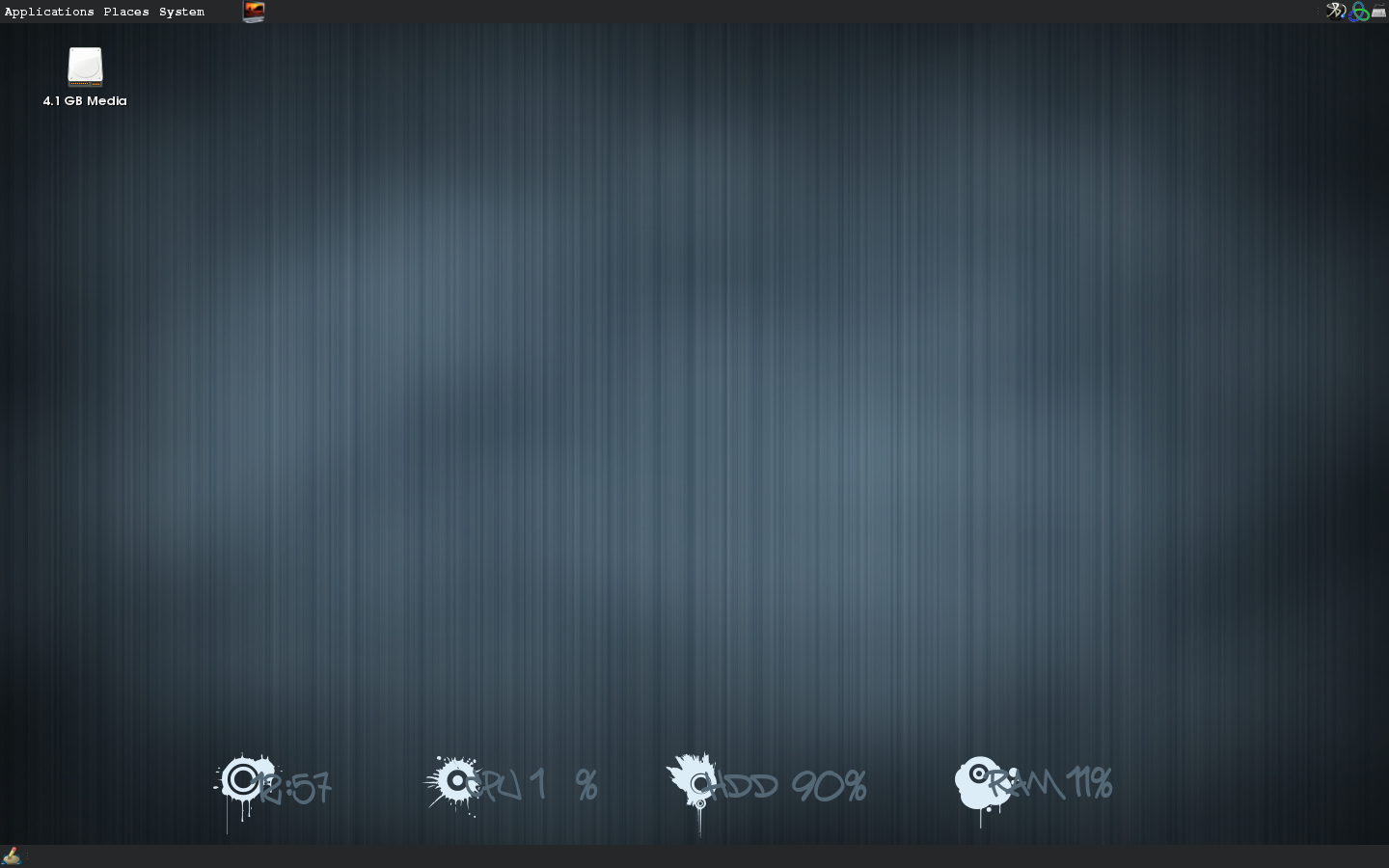
For some time I wanted to change my panel's font but I didn't know how to do it! One day, looking on deviantart.com for some inspiration for my conky script I saw on one picture a nice panel with beautiful font.


After that I've started to search a simple tutorial or a simple program which could change the font of my panel. My salvation was the program Gnome Color Chooser.

The features of this program are:
  • change colors (e.g. background, window decoration, tooltips)
  • change sizes of widgets (e.g. of buttons, scrollbars or the main padding)
  • allow use of bright or dark wallpapers without getting icons or panel text unreadable
  • adjust the size of start and panel menues or large toolbars
  • colorize desktop icons and activate hover effects
  • configure your gtk engines and let your current theme be drawn by an installed gtk engine of your choice
OK, I admit that I've used this program only for changing the font but you can do all that features from above. Is your choice!

This program I've installed on my Ubuntu Karmik Koala system and let me explain in short how I've done it!